New tab
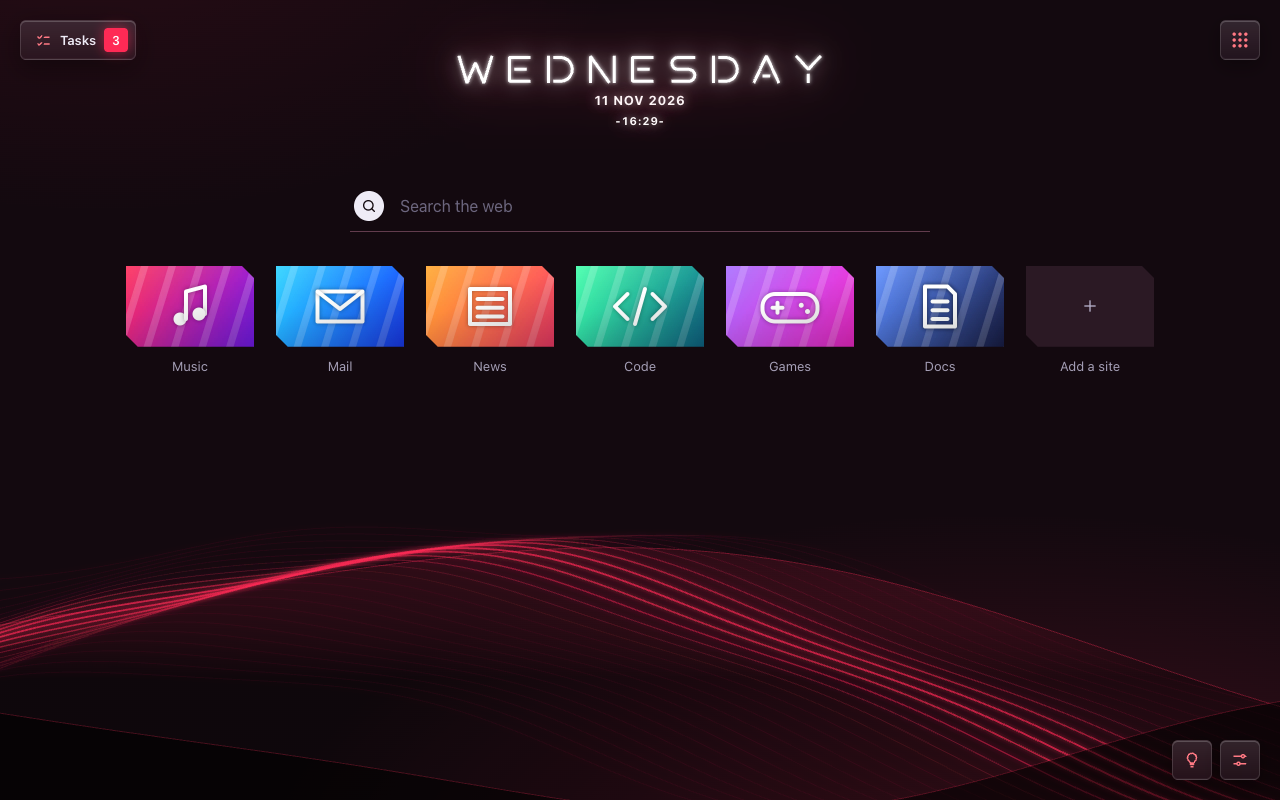
- Speed dial: add, edit and drag your sites.
- Weekday clock and search with Chrome's own engine.
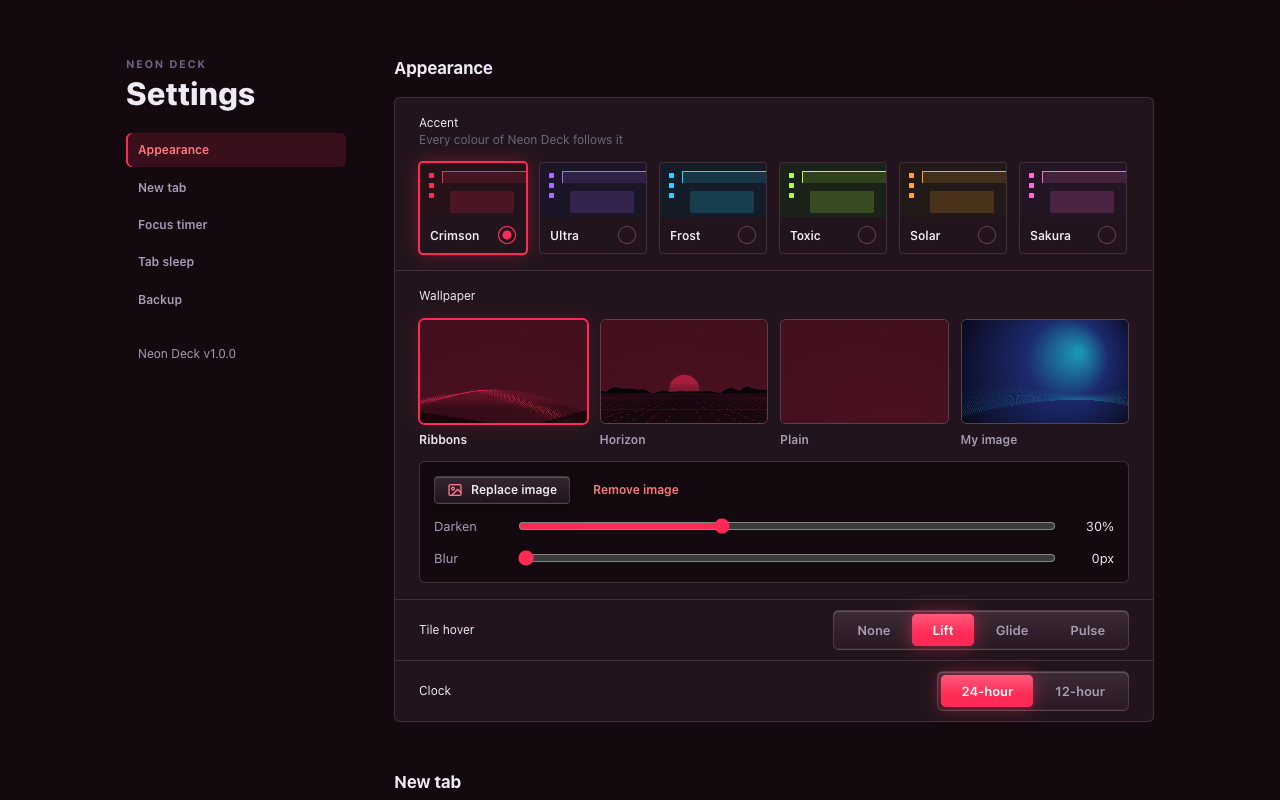
- Six accent colours, wallpapers or your own image.
 Neon Deck
Coming soon
Chrome extension · Free
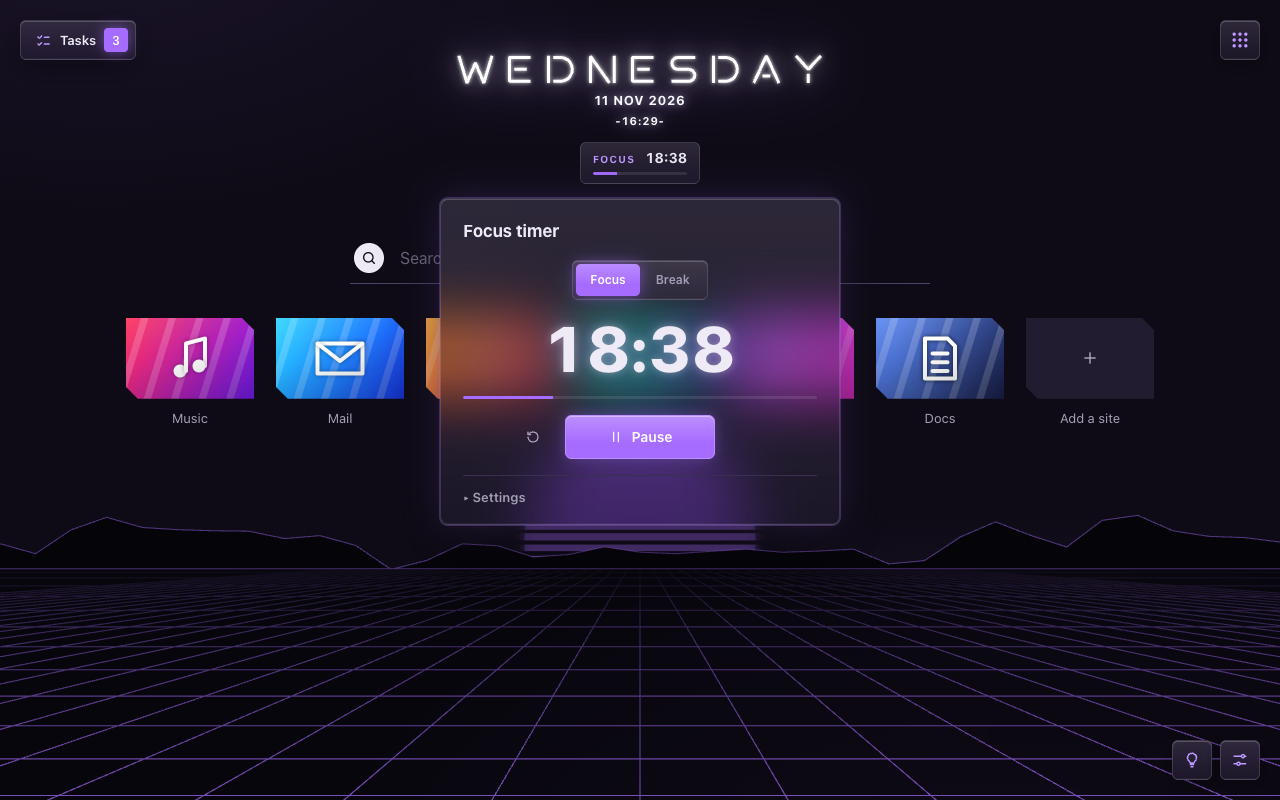
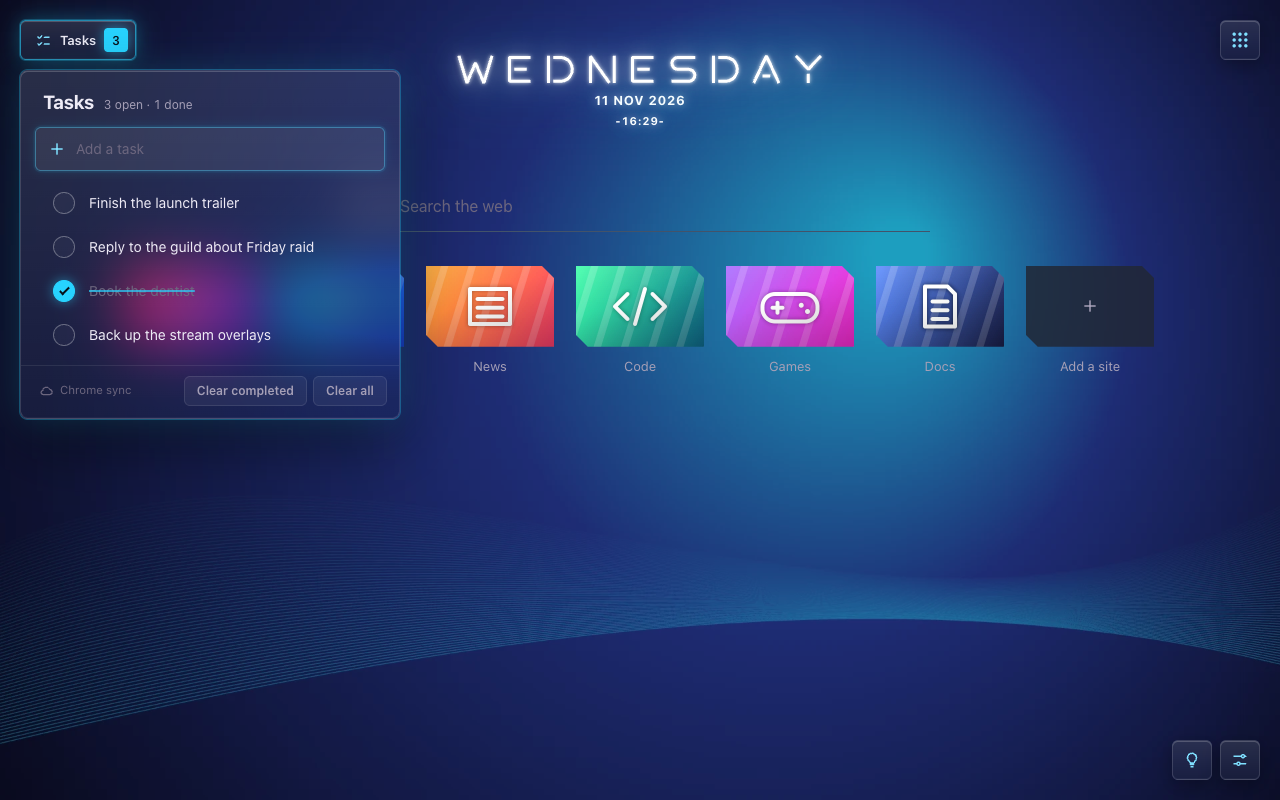
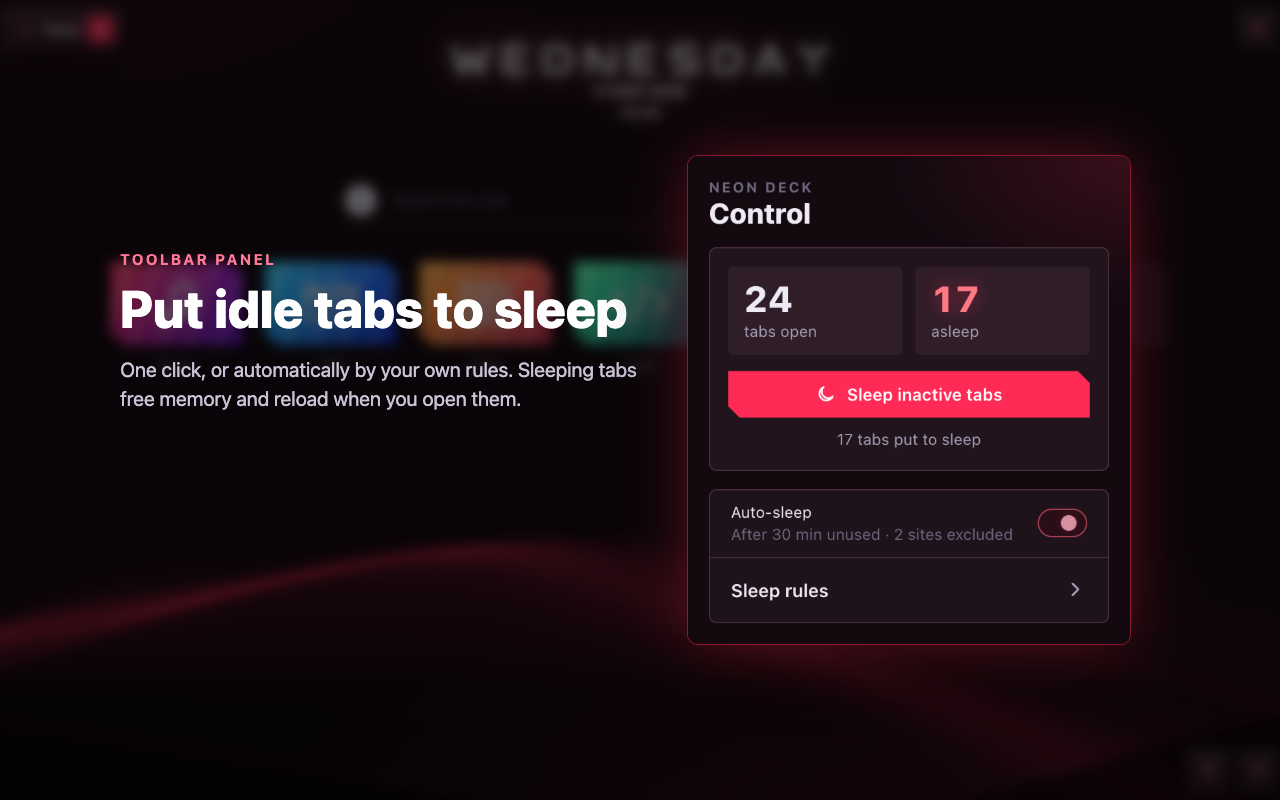
Neon Deck replaces the new tab with a clean dark dashboard: your sites, tasks and a focus timer in one place, plus a toolbar panel that keeps Chrome light.
Works on Chrome for desktop. No account required.
Features
Screenshots
Privacy
Neon Deck has no servers of its own. Your settings, sites and tasks stay in Chrome's own storage and sync, and you can back everything up to a file.
Read the privacy policy →FAQ
Yes. There is no paid plan, no ads and no account.
Yes, through Chrome sync, when you are signed in to Chrome with sync on. Without sign-in they stay on this computer.
The one you chose in Chrome's settings. Neon Deck does not change it.
No. Chrome on Android and iOS does not support extensions.
A one-minute guided tour starts when you install Neon Deck. To see it again, click the light bulb in the bottom-right corner of the new tab.
Right-click the Neon Deck icon in the toolbar and choose “Remove from Chrome”. Your normal new tab comes back at once.
Free, and coming soon to the Chrome Web Store.
Coming soon